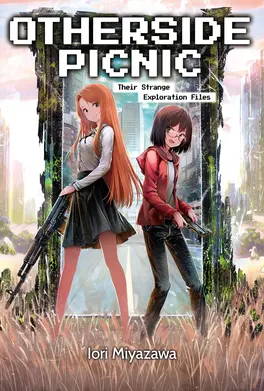
Sorawo-chan, are you engaging with first contact with Toriko properly?
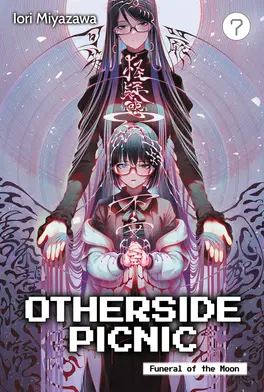
Once again these characters spend so long avoiding talking about relationships that when they do it is shocking how open and frank they end up being, not just casually acknowledging the idea of lesbian relationships, but of asexuality and aromanticism and how many people’s wants and needs fit outside of societal norms. And this ends up mirroring the exploration of the Otherside in a way that I didn’t expect, though maybe should have been obvious. The alien consciousness on the other side of the Otherside is unknowable, but so are people. To grow to understand someone else requires you to both understand yourself and inevitably to by changed by them.
I also love Sorawo using 鵼, a chimeric monster whose name can be written as a compound of the first character of both of their names, as a name of their relationship. Seems like the kind of dorky shit I would do.
Yeah that’s right. It’s Satsuki-san. Your precious monster.
I am a bit surprised how lightly they end up brushing against the fact that Uruma was grooming girls. It’s been acknowledged, and I think it’s reasonable to write characters having complicated feelings about it rather than have them deliver moral lectures about it, but seeing as we are stuck in Sorawo’s perspective and she is terrible at understanding or enquiring into other people’s feelings we never really get that much of an exploration on the impact that it’s had on the people actually affected.
Because if you try to do everything yourself, you may find yourself in a situation where you can only do everything yourself.
Very cute for a series that focuses on internet horror stories come to live to have a sort of feature-length special and have it based on a shitpost.
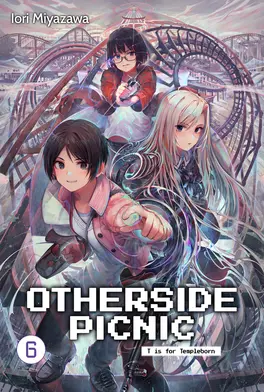
T-san, though, kind of highlights how arbitrary a lot of the monsters in this series can feel. Horror often relies more on vibes than on logic but I am used to horror with more clear thematic thrust in what’s going on than Otherside Picnic tends to have. The trail they follow become a road and then a car full of doppelgängers and then a rollercoaster. Every time T-san “hah!”s people it does something different. There doesn’t seem to be much of a connection to it all other than pulling from different online posts and mashing them together.
This does make more sense for T-san, who is more of a genre than a character as emphasised by his unremarked upon shifting appearance, but it’s how the series has felt for me most of the time, not just in this story.
Update Septmber 2026: I’ve changed the wording of a few steps based on feedback in the comments.
I usually prefer to read paper books and get them from my local library when I can, but I have an old Kindle Paperwhite that I generally load up with books to read while travelling. It saves a lot of hassle, bulk and weight compared to carrying around several paperbacks.
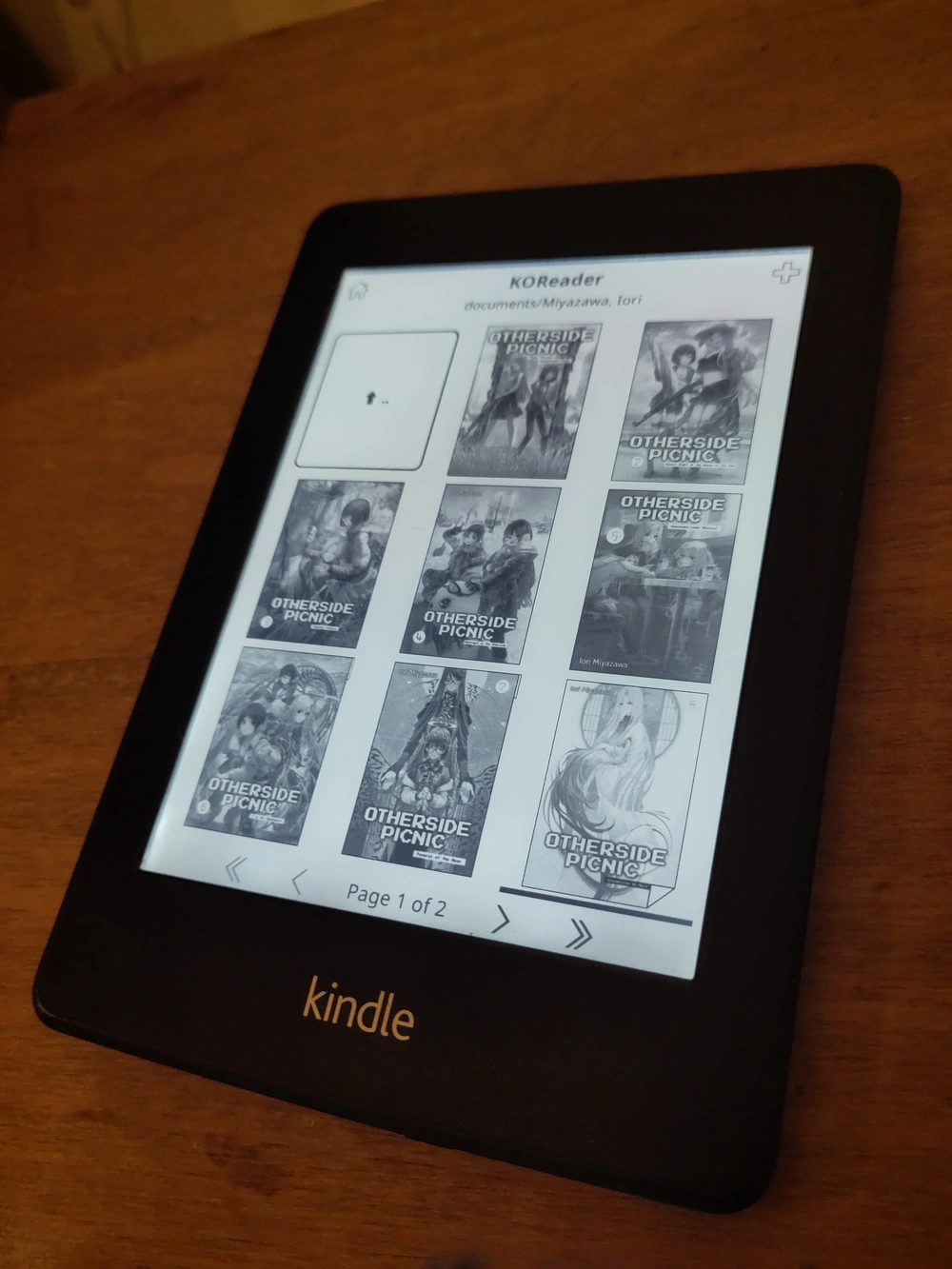
I had previously looked into custom Kindle firmware and found people saying that such things don’t exist, but with Amazon pulling support for old Kindles I had another look and realised that I’d missed something: There may not be fully custom firmware for Kindles, but there is jailbreaks and custom software. I took me a while to get it working, navigating various Mobile Read forum threads to piece together steps that worked and now that I have KOReader up and running (and can therefore finally read EPUB files on my Kindle) I decided to write up the exact, reproducible steps that I took to get there.
Getting device information
The first thing you need is the serial number of your Kindle to determine the exact model type and compare it to the Mobile Read wiki page on Kindle serial numbers. You can get this on Amazon’s website while logged into the account that the Kindle is registered to or from the device itself.
Confusingly, on my Kindle you must access this by ☰Menu button, selecting Settings, then pressing the ☰Menu button again (which pops up a different menu when pressed from inside the settings screen) and then selecting Device Info. The wiki page does mention this too, but I missed it at first. The device info popup also has the firmware version, which for me was 5.6.1.1, which will also be important.
In my case the serial number starts with B024. Amazon’s site describes it as “Kindle Paperwhite (5th Generation)” and the Mobile Read wiki calls it “Kindle PaperWhite WiFi”, but more importantly the nickname that is used in Mobile Read’s guides is PW (or PW1), which was needed for figuring out which jailbreak I needed.
Grabbing the software
The jailbreak method I used for my PW1 only works for firmware version 5.0→5.4.4.2, while mine was 5.6.1.1. The jailbreak can’t be installed in version 5.6, but if it was previously installed it can be patched to work again. This meant that I had to downgrade the firmware, install the jailbreak, upgrade the firmware again, and then apply the upgrade patch to fix the jailbreak. And then I also needed the software I want to actually run on the Kindle afterwards, which in my case was KOReader, a Stardict dictionary for KOReader, and Kindle Unified Application Launcher (KUAL) to allow me to launch the reader in the first place.
To ensure that these steps worked from a blank slate I repeated them after doing a factory reset on my Kindle. As Amazon are ending support for older Kindles if you do a factory reset after the 20th of May 2026 you will not be able to re-register your old Kindle and it will be effectively bricked. I intend to keep mine on permanent aeroplane mode from now on to ensure Amazon don’t do anything else funny to mess it up.
If Amazon haven’t turned off the servers yet and you are logging into an old Kindle and you have two-factor authentication enabled then login will fail if you try to log in with just your username and password, but you can append your six-digit authentication token to the end of your password and it should work.
Update Septmber 2026:Helen in the comments has said that this process did work after a factory reset. I have not verified this. Do at your own risk.
Installation
Getting ready
If Amazon haven’t already turned off the servers then now is the time to download any books that you want to keep from your Amazon account onto the Kindle.
Once that’s done enable aeroplane mode by navigating to ☰Menu→Settings→Aeroplane Mode.
Downgrade the firmware to 5.4.4
Connect the Kindle to your computer with a Micro-USB cable, it should mount the same as an external drive or memory stick. If it doesn’t and only starts charging try using different Micro-USB cables until you have one that does data transfer.
Copy update_kindle_5.4.4.bin to the root directory of the Kindle.
Without ejecting the Kindle or unplugging the USB cable hold down the power button of the Kindle until the charging light goes out and it unmounts from the PC. This took about twelve seconds for me.
When you release the power button the Kindle should restart and begin installing the new firmware after a few seconds.
Install the jailbreak
Once the firmware downgrade is finished and Kindle has restarted check that the downgrade was successful by going to ☰Menu→Settings→☰Menu→Device Info and ensuring the firmware version is now 5.4.4.2.
Reconnect the Kindle to your PC.
Extract the contents of kindle-jailbreak-1.16.N-r19426.tar.xz. Within this is another compressed file called kindle-5.4-jailbreak.zip. Unzip that second file and move its contents into the root directory of the Kindle.
Eject the Kindle from your PC and unplug the USB cable.
Install the jailbreak from your Kindle by navigating ☰Menu→Settings→☰Menu→Update Your Kindle. If the option is greyed out make sure that aeroplane mode is on, reconnect your Kindle to your PC and double check that all the contents of kindle-5.4-jailbreak.zip (including Update_jb_$(cd mnt && cd us && sh jb.sh).bin) are still in the root directory of your Kindle (copy them over again if not) and try again.
If the jailbreak was successful then some text saying **** JAILBREAK **** should appear at the bottom of the screen.
Install KOReader and KUAL
Reconnect the Kindle to your PC.
Extract the contents of koreader-kindle-v####.##.zip to the root directory of the Kindle.
On the Kindle create the directory /koreader/data/dict/ and extract the contents of dict-en-en.zip to it.
From KUAL-v2.7.37-gfcb45b5-20250419.tar.xz extract KUAL-KDK-2.0.azw2 and copy it to /documents/ in the Kindle root directory.
Upgrade back to 5.6.1.1
Copy update_kindle_5.6.1.1.bin to the root directory of the Kindle.
Eject the Kindle from your PC and unplug the USB cable.
Navigate to ☰Menu→Settings→☰Menu→Update Your Kindle and wait for the upgrade to install.
Install the jailbreak hotfix
Reconnect the Kindle to your PC.
Copy Update_hotfix_universal.bin to the root directory of the Kindle.
Eject the Kindle from your PC and unplug the USB cable.
Navigate to ☰Menu→Settings→☰Menu→Update Your Kindle one last time.
All going well there should now be a Kindle Launcher/KUAL entry on your Kindle homescreen amongst the books and when pressed should take you to a screen that will let you launch KOReader (or any other homebrew software that you install). KOReader itself should give you a file browser that you can use to read EPUBs, PDFs and other formats that your Kindle couldn’t natively. You can transfer books over just by copying them over with a USB cable the same way as any other file.
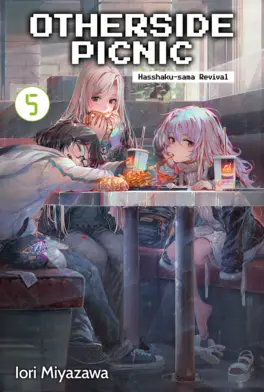
These are all EPUBs.
I use Calibre to organise my e-books and it can handle transferring them over to the Kindle too, though by default it only sends books in formats the Kindle can natively read. You can change what formats it will transfer over as well as the folder structure it uses from the settings for the Kindle plugin under 🛠️Preferences→🧩Plugins.
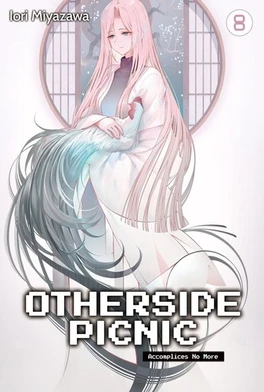
The first few stories in this series really made it seem like the Otherside both had far more people stumbling into it and dying all the time. They run into a lot of people early on and Toriko makes it sound like she found guns lying around all the time, but that has tapered off into more general weird events. Even Satsuki’s overarching presence has started to ease off to give the girls a break and the relationship develop a bit more and make the Otherside their own a bit.
It is also feels almost bizarre at this point to suddenly have characters openly and casually discussing the idea of women dating each other when the series has skirted around it for so long. But it is in service of continuing to push Sorawo to open herself up to these possibilities and allow herself to be loved. It is quite sweet, even if she can be frustrating.
Though I am sure that as soon as she does all of that danger and the weight of Toriko’s own personal history that have been pushed aside for the moment are going to come crashing down on the both of them.
It always took me a lot of courage to go to the next step in this train of thought.
I didn’t intend to keep ploughing through these, but I was travelling again and had several hours to kill on trains. The development of the relationship between Toriko and Sorawo is very slow, but there is always some degree of forward momentum to it, in spite of Sorawo’s cluelessness. She is like a protagonist in a zombie movie where the world is the same as it is now except that none of the characters have ever heard of the concept of a zombie, except instead of zombies it’s lesbians—though she is the only person like this as everyone around the protagonists clearly think that they are already a couple. This volume does make it clear that that ignorance was somewhat willful; she is too scared to open herself up, even in her own internal monologue, to the possibility of someone loving her. Still, we asymptotically approach lesbianism.
And I know that tattoos are associated with the Yakuza in Japan but her being scared of Migiwa’s Mayan tattoo sleeve he probably just got while drunk on holiday in Central America is very funny.
Just how many underage girls has she laid her hands on?
I am surprised that the story seems to actually be angling Toriko as a victim of grooming and I am curious where it goes with that.
Very funny that the only thing physically wrong with Sorawo after so many supernatural near-death experiences is that her liver is not in great shape from going out and getting hammered to celebrate every time they survive a trip to the Otherside. She also seems to have some sort of medical condition that causes her mind to fail to comprehend the existence of lesbianism or any information pertaining to it and is too socially awkward to every ask anyone to clarify what they mean by anything.
I had was wondering why the translator decided to use both Luna and Runa for transliterating that character’s name and it looks like in the original novel her name was also written two ways depending how it’s being used, with Luna in the translation standing in for 「ルナ」 in katakana and Runa for 「るな」 in hiragana. I like to try and get an understanding of little translation tidbits like that even when I can’t read the original text at all. Language is fun!
Whomst among us has not gotten so drunk that we blacked out and maxed out our credit card buying agricultural equipment?
The recaps in each story can feel a bit excessive sometimes for something that, as far as I know, wasn’t serialised on story-by-story basis. Could also do without the US marines field-modifying an armoured vehicle explicitly in line with IDF vehicles specifically designed to kill Palestinians in order to fight monsters which is a thing that actually happens in this book.
I enjoy Sorawo getting jealous without realising that that’s what’s happening and her hiding things from Toriko adds an interesting wrinkle to the relationship.
They say that being accomplices is the closest kind of relationship in the world.
Quite funny to take Roadside Picnic but reinterpret the title to just be about it being nice to have a picnic in the Zone, as is the how it wears its inspiration on its sleeve with Sorawo and Toriko meeting a guy who is basically a S.T.A.L.K.E.R. stalker on their second outing.
The prose and dialogue are frequently awkward which I will put down mostly to translation problems, though I think that the descriptions are also very visually focused in a way that I think doesn’t use the advantages of prose as a medium.
But I was looking for a fun, light read while travelling and it provided that quite well. Toriko and Sorawo are endearing and watching their relationship evolve is compelling, from Toriko calling Sorawo Twitter-brained on their first meeting to them looking out for each other as they become accomplices. Using actual modern ghost stories and having a bibliography that cites 2chan threads in very specific detail is also quite charming.